
Fast local conversion
Audio is converted on your Mac. Nothing is uploaded to a cloud service.
Mac app · Audio
Quick audio conversion for Mac.
Convert audio formats in seconds. Drag in your audio, choose a format, and SoundSwap handles the rest — no account, no clutter.
MP3 · M4A · WAV · FLAC · OGG
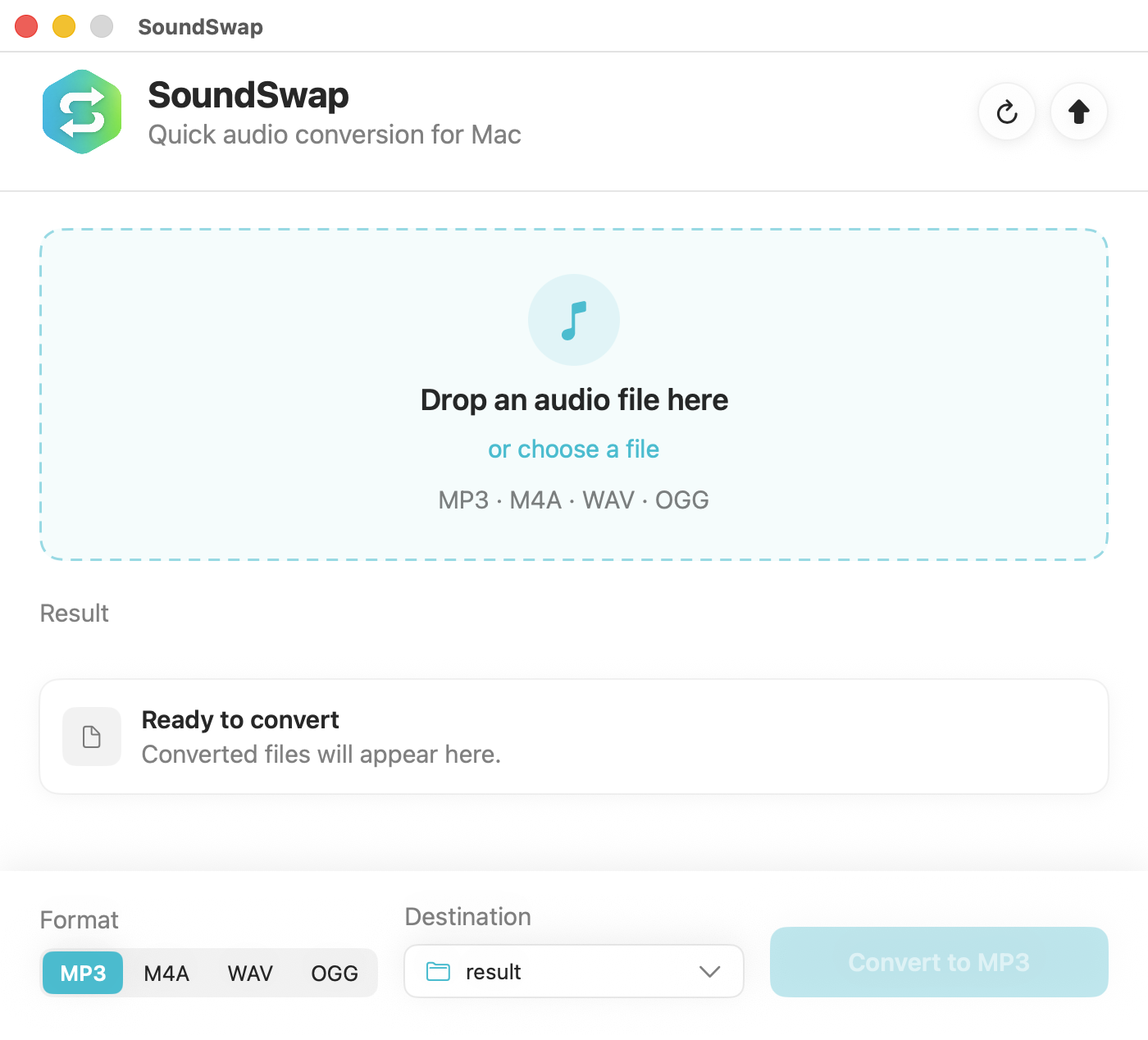
Simple & focused
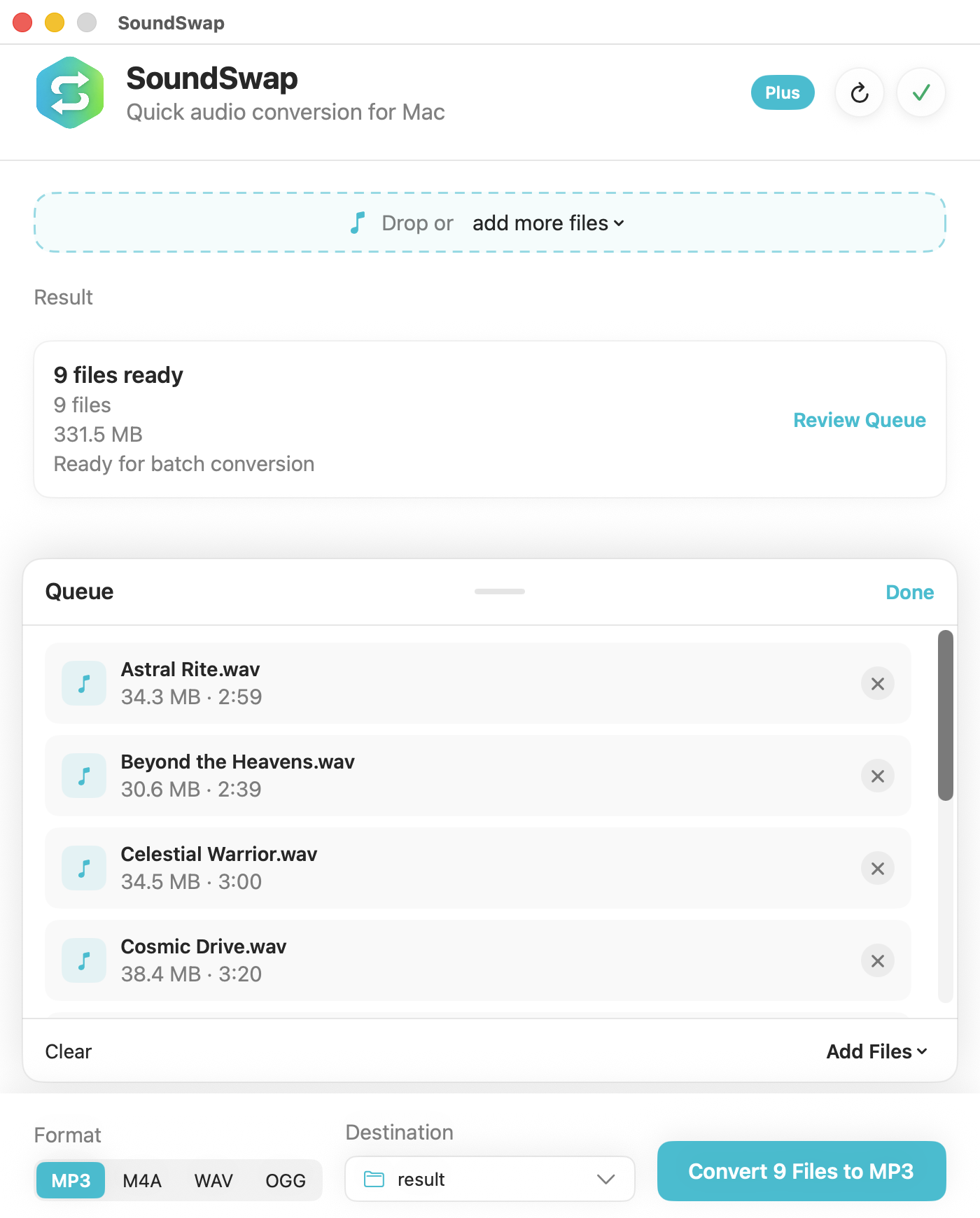
Drag a file onto the window or use Choose Files. With Plus: multiple files, a folder, or a ZIP.
Pick MP3, M4A, WAV, FLAC, or OGG — and where to save: Downloads, the source folder, or a custom folder.
Validated output with collision-safe naming. Start a fresh run anytime with Start Over or ⌘N.
Audio is converted on your Mac. Nothing is uploaded to a cloud service.
Convert between MP3, M4A, WAV, FLAC, and OGG (Ogg Vorbis) in any direction.
Process multiple files in one run with per-file progress and status.
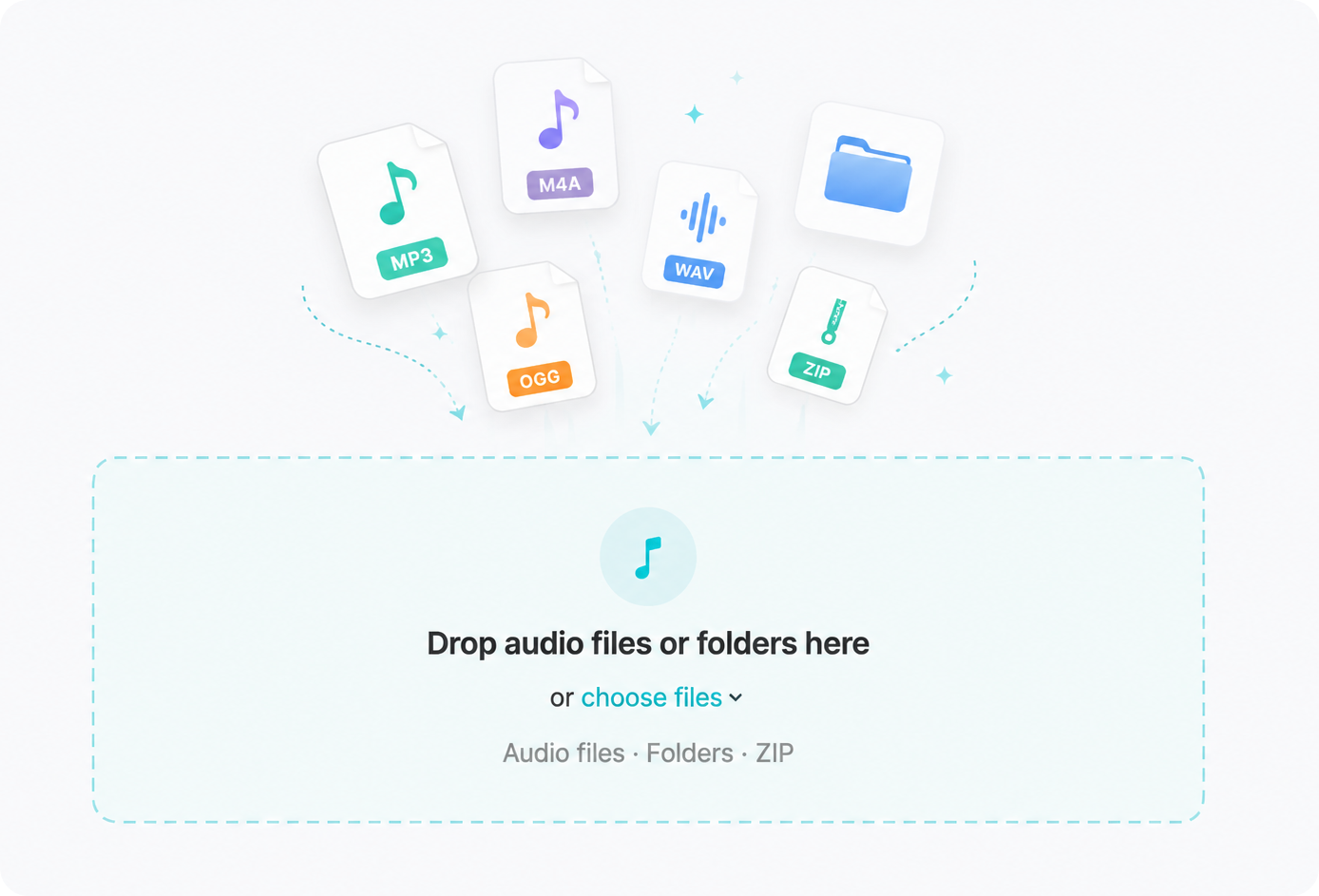
Drop a folder or ZIP archive — SoundSwap scans for supported audio and builds your queue.
Save to Downloads, the same folder as the source, or a custom folder you pick.
MP3 and OGG bitrate presets from 128 to 320 kbps. M4A, WAV, and FLAC stay lossless.
Native queue controls, ⌘Z undo for queue edits, and ⌘N to start a new conversion.
System, Light, or Dark appearance — plus optional reveal-in-Finder after conversion.
Optional unlock
Single-file conversion stays free. SoundSwap Plus is a one-time purchase — not a subscription — that unlocks batch workflows on your Mac.
Drop a group of files, a folder, or even a ZIP. SoundSwap finds the supported audio and builds the queue for you.
⌘Z undo restores accidental removals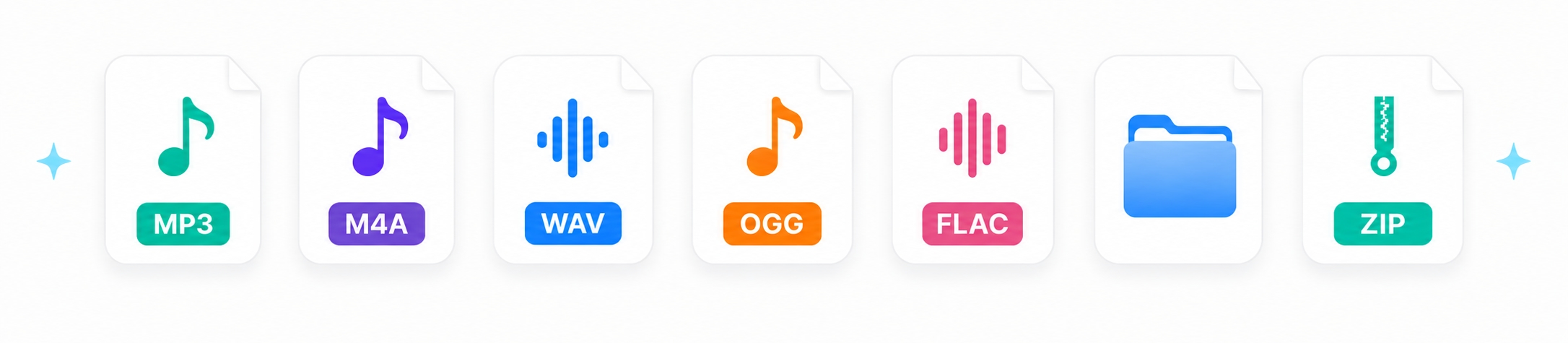
Supported formats
Full cross-format support among these five types. Unsupported files are not silently imported.
| Format | In | Out |
|---|---|---|
| MP3 | Yes | Yes |
| M4A | Yes | Yes |
| WAV | Yes | Yes |
| FLAC | Yes | Yes |
| OGG | Yes | Yes (Vorbis) |
Private by design
SoundSwap processes files locally. Your audio isn't uploaded to a conversion service — no analytics SDK, no tracking, no account required.
Help & feedback
Quick answers about formats, local conversion, SoundSwap Plus, and privacy.
Browse FAQsTell us what went wrong with a conversion, queue, or output file.
Report a bugShare an idea for formats, batch workflows, or quality-of-life improvements.
Suggest a featureCommon questions
No. SoundSwap converts the files you select on your Mac. Audio is not uploaded to MX Labs servers for processing.
Single-file conversion is free. Batch queues, folder intake, and ZIP archives are part of SoundSwap Plus — a one-time App Store purchase, not a subscription.
MP3, M4A, WAV, FLAC, and OGG (Ogg Vorbis) — any supported input can convert to any supported output.
Use the Start Over button in the header or press ⌘N (File → New Conversion).
Your format, destination, and bitrate preferences stay put — only the current run is cleared.
No. SoundSwap works without signing in to an MX Labs account.
See the SoundSwap section of the MX Labs Privacy Policy.
Troubleshooting
Clear reports help reproduce conversion issues faster. Include the details below, then email support.
Ideas are welcome — especially new formats, batch workflow improvements, and export options. Not every request can be built, but clear feedback helps shape the roadmap.
Suggest a featureEmail support@mxlabs.app. Replies are usually sent as soon as practical. For privacy details, see the SoundSwap privacy section.
Email supportIndependently developed by MX Labs. Replies may not be instant — thank you for your patience. Clear bug reports with your Mac model, macOS version, SoundSwap version, input/output formats, and steps to reproduce help the most.
Credits
SoundSwap is built with open-source audio technologies. MP3 conversion is powered in part by the LAME audio encoder.