
18+ Transformations
Case changes, paragraph cleanup, URL slugs, HTML wrappers, lists, and more — ready from the menu bar.
View allMac app · Productivity

Transform text instantly from your menu bar.
Clean, format, convert — paste, transform, and copy in one shot. TextCase lives in your menu bar so the text you need is always one shortcut away.
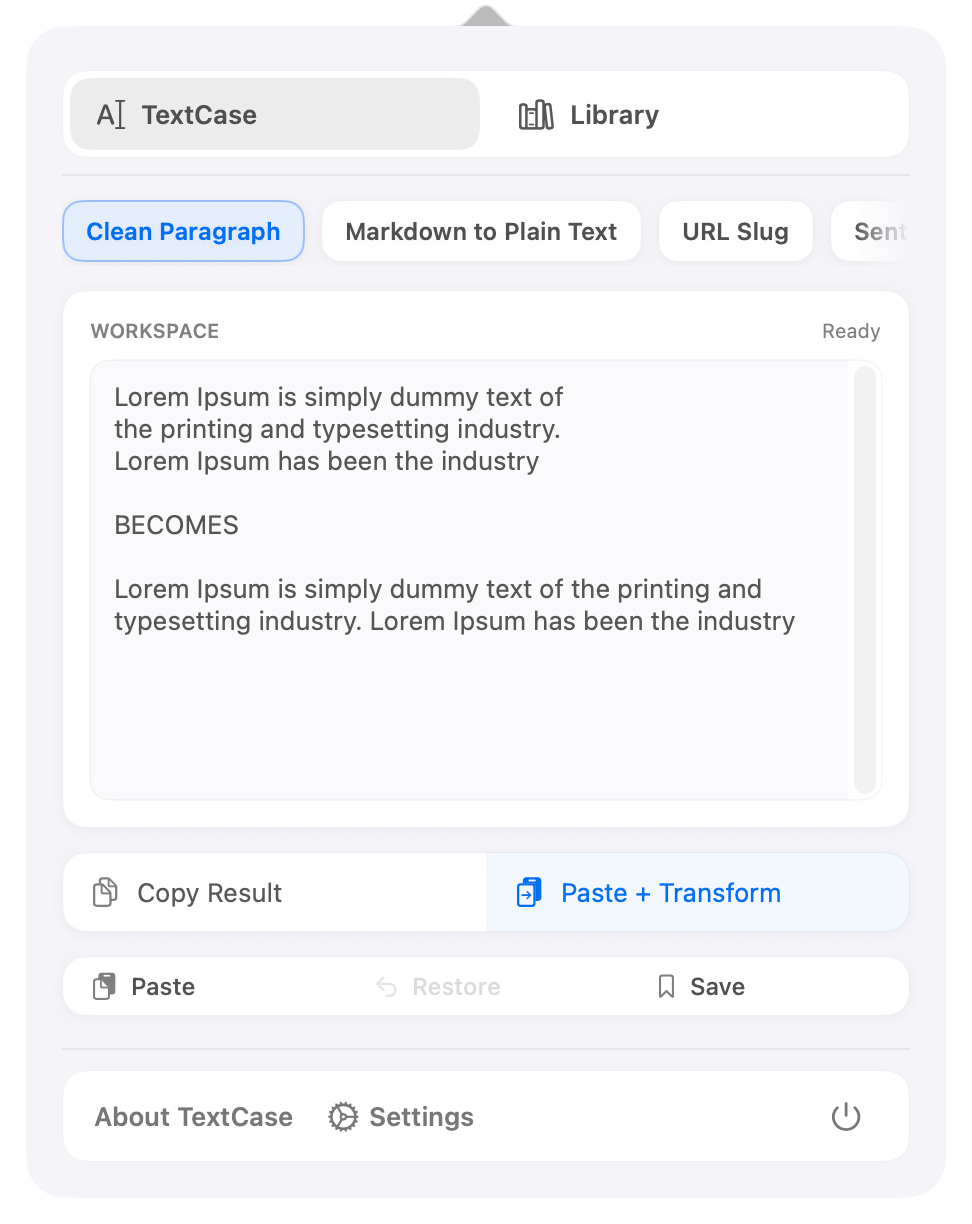
See it in action
Help & feedback
Quick answers about the menu bar workflow, shortcuts, transforms, and privacy.
Browse FAQsTell us what happened and include enough detail to help reproduce it.
Report a bugShare an idea for a transform, shortcut, or quality-of-life improvement.
Suggest a featureCommon questions
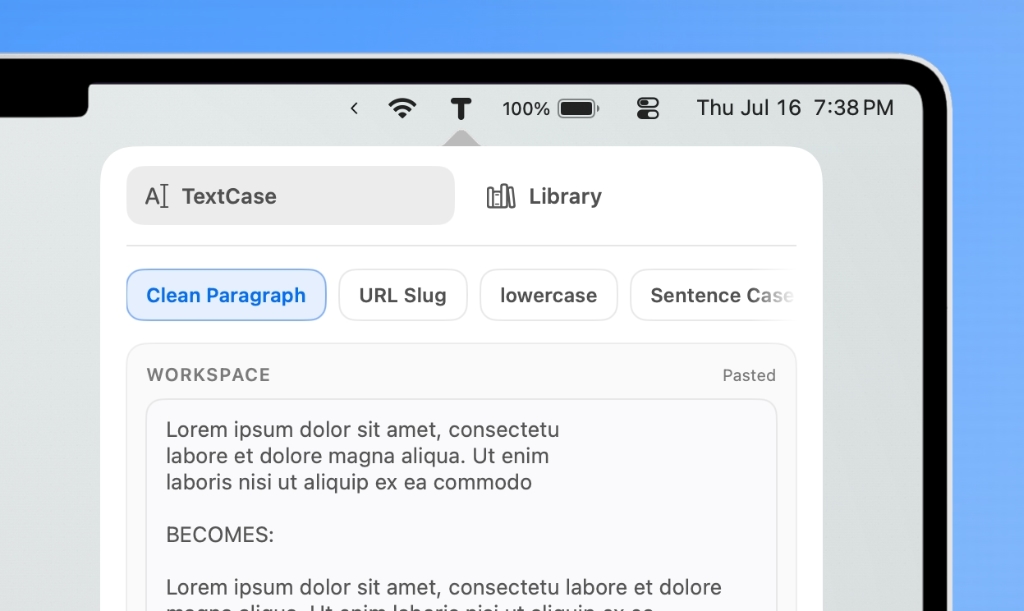
TextCase lives in the menu bar — look for the icon on the right side of your screen.
You can also open it anytime with ⌘⇧J (customizable in Settings).
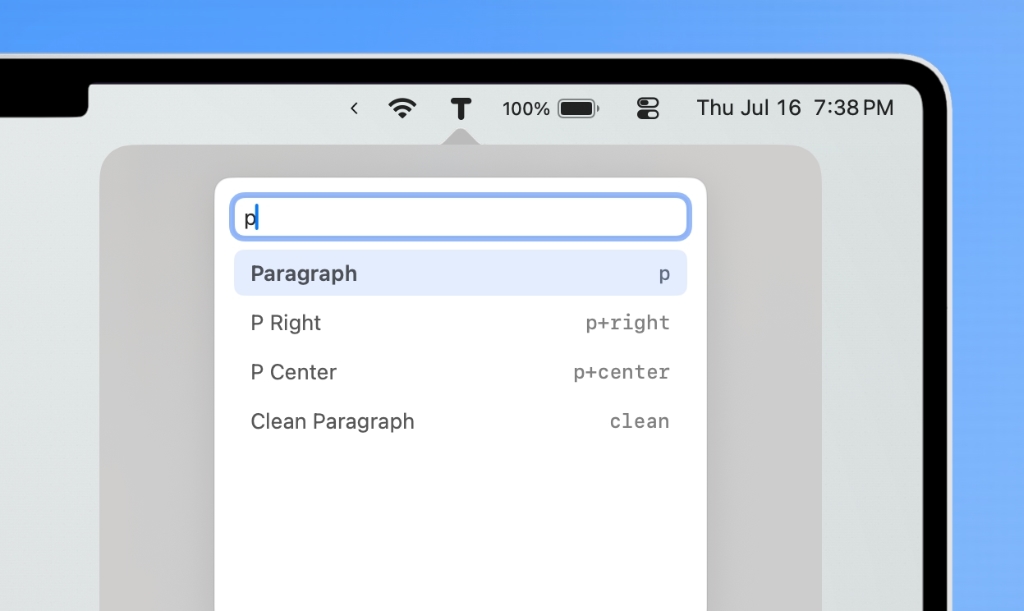
Press ⌘K to open Quick Switch, type a few letters
(like title or slug), then hit Return.
See the Quick Switch docs for aliases.
It reads your clipboard, applies the selected transform, and copies the result back — so you can paste the finished text wherever you need it.
No. Everything runs locally on your Mac. TextCase doesn’t collect your text, create accounts, or upload content to a server.
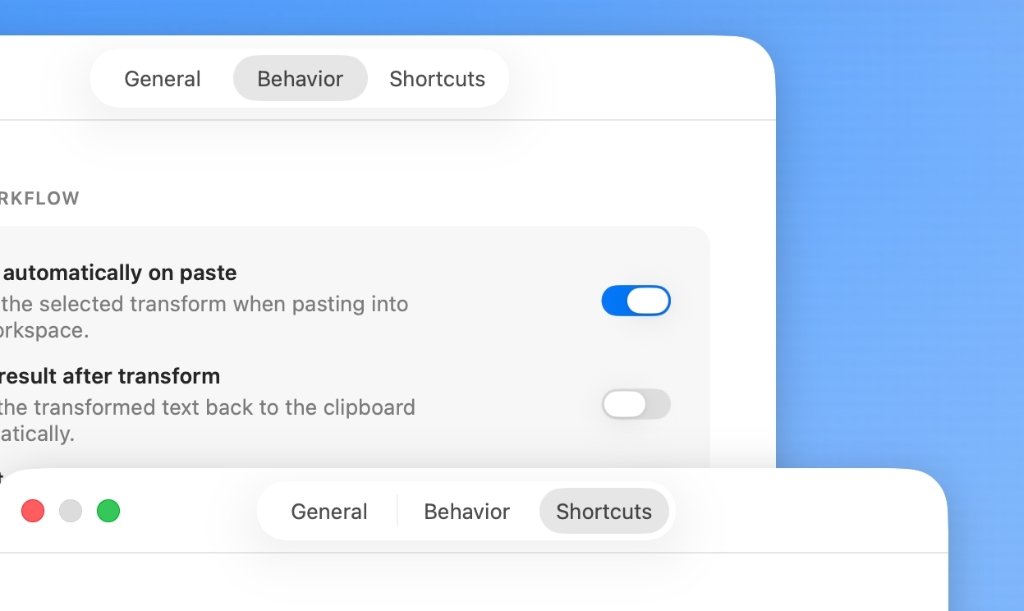
Open Settings → Shortcuts and confirm the shortcut is enabled. If another app uses the same keys,
choose a different combination or reset to ⌘⇧J.
Yes. TextCase is free to download and use — no subscriptions or accounts.
Troubleshooting
Clear reports help reproduce issues faster. Include the details below, then email support.
Ideas are welcome — especially new transforms, shortcut improvements, and accessibility options. Not every request can be built, but clear feedback helps shape the roadmap.
Suggest a featureEmail support@mxlabs.app. Replies are usually sent as soon as practical. For how-to questions, the docs are often the fastest starting point.
Email supportIndependently developed by MX Labs. Replies may not be instant — thank you for your patience. Clear bug reports with your Mac model, macOS version, TextCase version, and the steps to reproduce help the most.
TextCase is free to download and always will be. No subscriptions. No accounts. Just a faster way to work with text from your menu bar.